In this guide
Fujifilm recipes are not automatically compatible with every Fujifilm camera.
Two models may both use an X-Trans sensor but still offer different film simulations, JPEG settings, or ways to save white-balance shifts. You may be able to enter most of a recipe while missing one crucial option—or copy every setting and still get a slightly different result.
I currently use the Fujifilm X-E5 and previously used the X-H2. My current recipes were set up and tested on the X-E5. I expect them to work well on the X-H2 because both cameras use the same 40.2-megapixel X-Trans CMOS 5 HR sensor and X-Processor 5. However, I have not repeated a controlled side-by-side test on both bodies.
That distinction is important. In this guide, “compatible” means that a camera contains the settings required to enter the recipe. It does not promise perfectly identical colour under every condition.
Quick answer
My current Fujifilm recipes are designed primarily for recent cameras.
They should be easiest to reproduce on newer models with Classic Negative, ACROS, Grain Size, Color Chrome Effect, Color Chrome FX Blue, Clarity, tone-curve controls and white-balance shift.
| Camera group | Expected compatibility | What to expect |
|---|---|---|
| Fujifilm X-E5 | Tested | The camera on which I set up and tested my current recipes |
| Fujifilm X-H2 | Very high | Same sensor and processor as the X-E5, but not recently tested side by side |
| X-T5, X100VI and X-T50 | Very high | Closely related fifth-generation hardware and the required JPEG controls |
| X-H2S | High | Modern controls are available, but the different sensor may affect the final rendering |
| X-S20, X-M5 and X-T30 III | High | Most required controls are present, but the sensor differs from the X-E5 |
| X-T4, X100V, X-Pro3, X-E4, X-S10 and X-T30 II | Generally good | Most settings can be entered, but output may differ from fifth-generation cameras |
| X-T3 and original X-T30 | Limited for my colour recipes | Some newer film simulations or JPEG controls may be missing |
| Older X-Trans cameras | Partial | Recipes often require substitutions and will not reproduce the exact look |
Treat this table as a practical starting point. Firmware can affect the available options, so check your camera menu before assuming a setting is missing.
What makes a Fujifilm recipe compatible?
A recipe is compatible when your camera has its essential ingredients.
These include:
- The base film simulation
- White balance and white-balance shift
- Dynamic Range or D Range Priority
- Highlight and shadow settings
- Colour
- Sharpness
- High ISO Noise Reduction
- Grain strength and size
- Color Chrome Effect
- Color Chrome FX Blue
- Clarity
Not every recipe uses every setting. That means compatibility should be assessed recipe by recipe rather than through the camera name alone.
A Classic Negative recipe cannot be reproduced exactly on a camera without Classic Negative. However, a simple ACROS recipe might still work well if the camera contains ACROS and most of the required monochrome controls.
New to recipes?: My complete beginner guide to Fujifilm recipes explains what recipes are, where to find them and how to save them in your camera.
Why the X-Trans generation is not the whole story
Fujifilm recipes are often labelled X-Trans IV or X-Trans V. That is useful, but it can oversimplify compatibility.
The sensor generation affects colour and image rendering, while the processor, firmware and camera menus determine which adjustments you can select and save. Cameras from the same broad generation do not always contain exactly the same feature set.
Some newer models also combine an older sensor design with a newer processor. They may offer modern film simulations and recipe controls without producing exactly the same files as a camera with an X-Trans CMOS 5 HR sensor.
A better compatibility check is therefore:
- Does the camera have the base film simulation?
- Can you enter every important setting?
- Can the white-balance shift be saved with the custom setting?
- Does the camera use comparable sensor and processing hardware?
- Has the recipe actually been tested on that model?
The first two determine whether you can program the recipe. The final three determine how closely you can expect it to match the original examples.
Fujifilm X-E5 compatibility
The X-E5 is the reference camera for my current recipes.
It offers the modern JPEG settings used in recipes such as:
- Classic Negative
- ACROS
- Grain Effect with strength and size
- Color Chrome Effect
- Color Chrome FX Blue
- White-balance shift
- Dynamic Range and D Range Priority
- Tone Curve
- Colour
- Sharpness
- Clarity
- High ISO Noise Reduction
If you use an X-E5, you can enter my published settings directly. The final result will still change with exposure, lens, light and subject, but you are starting with the same camera platform I used.
Fujifilm X-H2 compatibility
I expect very high compatibility between the X-E5 and X-H2.
Both cameras use Fujifilm’s 40.2MP X-Trans CMOS 5 HR sensor and X-Processor 5, according to the official specifications for the X-E5 and X-H2.
I previously photographed with the X-H2, but I have not retested every current recipe on both cameras side by side. I would therefore describe them as technically compatible rather than promise a perfectly identical result.
Small differences can still come from:
- Exposure
- Lens choice
- Auto White Balance
- Firmware
- Metering
- Lighting conditions
- Display or editing software
If you use an X-H2, start with the published settings. I would not modify the recipe in advance unless you see a consistent difference in your own photographs.
Compatibility with other recent X-Trans V cameras
X-T5, X100VI and X-T50
These are among the strongest candidates for close compatibility.
They use modern Fujifilm processing and offer the main controls needed for my current recipes. The X-T5, X100VI and X-T50 also use the high-resolution X-Trans CMOS 5 HR sensor, making them closer to the X-E5 than many older bodies.
You should be able to enter the settings directly. Even then, do not expect identical images without matching the light, exposure and lens.
The fixed lens of the X100VI can give photos a different character from an interchangeable-lens body. That does not make the recipe incompatible; it simply means that camera hardware is not the only factor shaping the image.
X-H2S
The X-H2S uses a different stacked sensor from the X-E5 and X-H2.
It offers modern recipe controls, so the settings should be programmable. However, differences in the sensor mean that colour, noise and tonal rendering may not match the X-E5 perfectly.
I would classify the recipes as compatible, but not necessarily visually identical.
X-S20, X-M5 and X-T30 III
These models combine recent processing and film-simulation options with a different sensor from the X-E5.
In practical terms, this means you should be able to enter most or all settings used by my recipes. The general character should carry across, but subtle differences in colour and tone are possible.
Start with the original recipe before making adjustments. Do not change values solely because the camera model is different.
Compatibility with relevant X-Trans IV cameras
Many popular X-Trans IV cameras remain excellent choices for Fujifilm recipes.
Models such as the following generally offer most of the tools needed:
- X-T4
- X100V
- X-Pro3
- X-E4
- X-S10
- X-T30 II
These cameras include Classic Negative and a wider set of JPEG adjustments than earlier models. My colour recipes should therefore be much easier to reproduce on these bodies than on older Fujifilm cameras.
However, they use a different sensor and processor from the X-E5. The recipe may produce a very similar mood without matching every colour or tonal transition exactly.
This is still meaningful compatibility. A recipe is a creative starting point, not a laboratory profile.
What about the X-T3 and original X-T30?
The X-T3 and original X-T30 need more caution.
Although they belong to the X-Trans IV era, they do not necessarily provide the complete set of later recipe features. A recipe based on Classic Negative or newer JPEG controls may therefore be impossible to reproduce exactly.
You have three options:
- Use a recipe specifically made for your camera.
- Substitute a missing setting and accept a different result.
- Enter only the supported values and treat the outcome as a variation.
I would choose the first option if accuracy matters. Replacing Classic Negative with Classic Chrome, for example, does not create the same recipe. It creates a new interpretation with different colour and contrast.
Compatibility with older Fujifilm cameras
Older X-Trans cameras can still use film-simulation recipes, but modern recipes often need substantial compromises.
Depending on the model, you may be missing:
- Classic Negative
- ACROS
- Grain Size
- Color Chrome Effect
- Color Chrome FX Blue
- Clarity
- Newer film simulations
- The ability to save white-balance shifts per custom setting
If only a secondary control is missing, the recipe may still look reasonably close. If the base film simulation is absent, an exact reproduction is not possible.
That does not mean the camera is incapable of good JPEGs. It simply needs recipes designed around the options it actually has.
Are my Fujifilm recipes compatible with your camera?
My current colour recipes use Classic Negative, so that is the first setting to check.
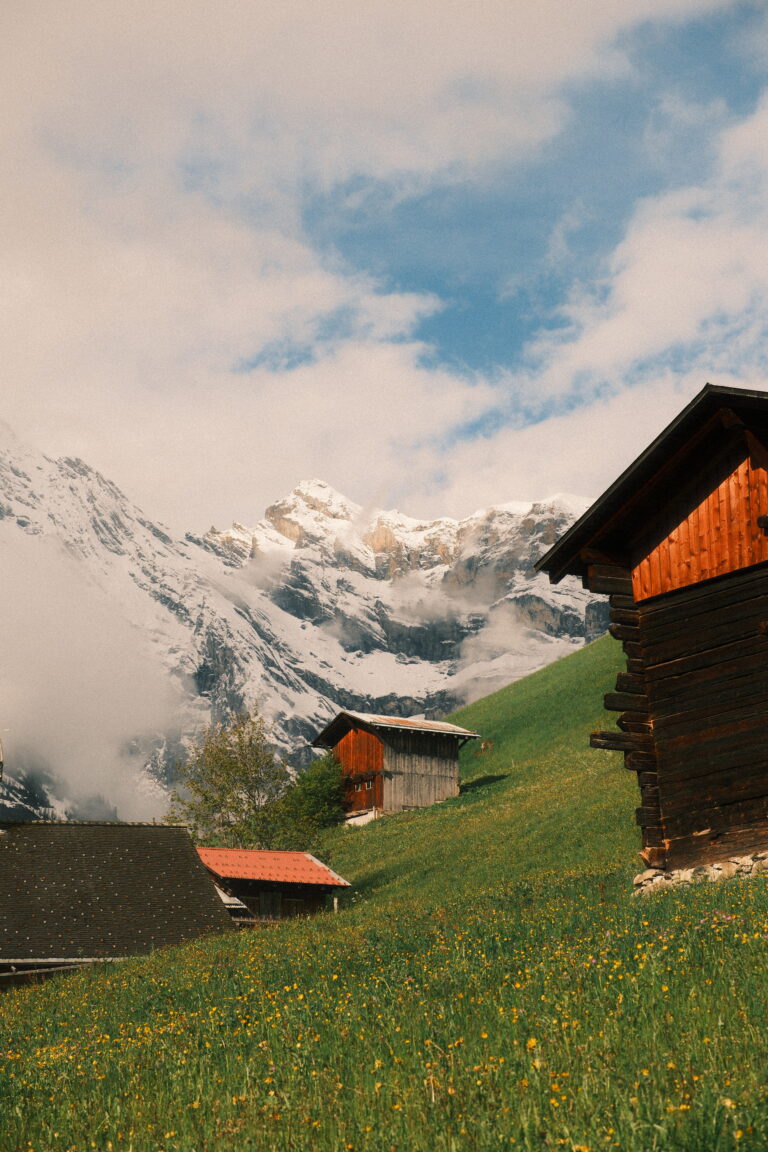
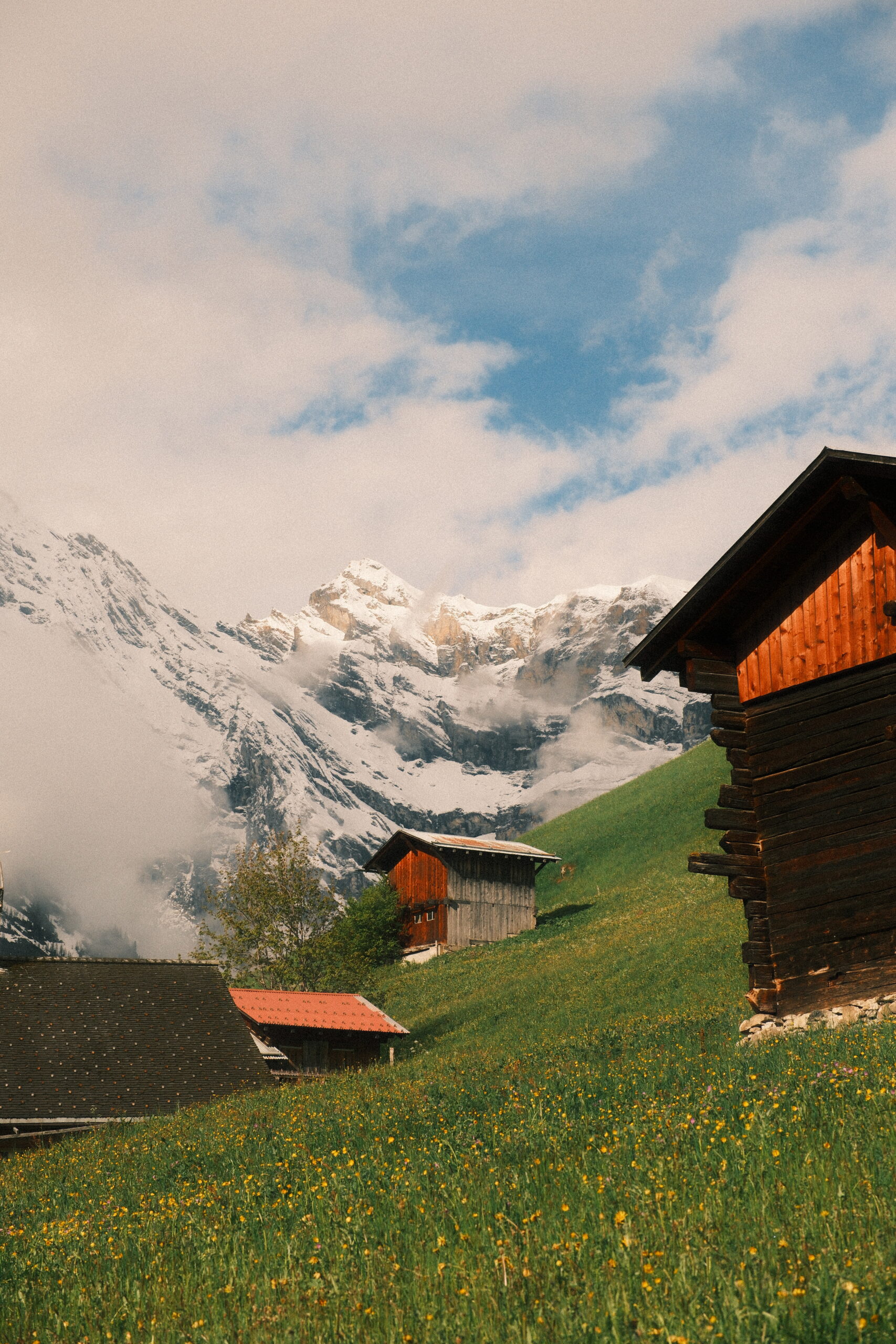
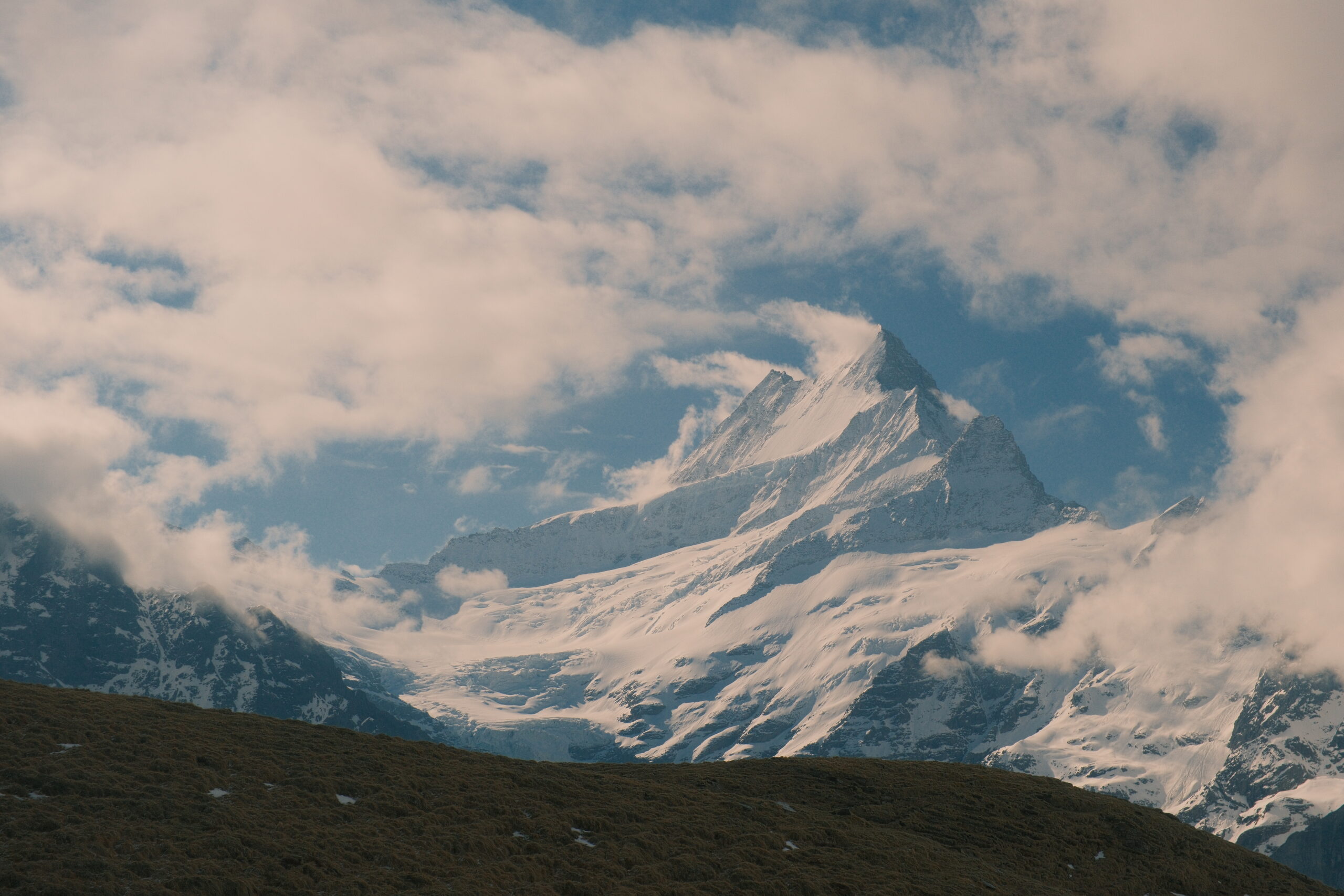
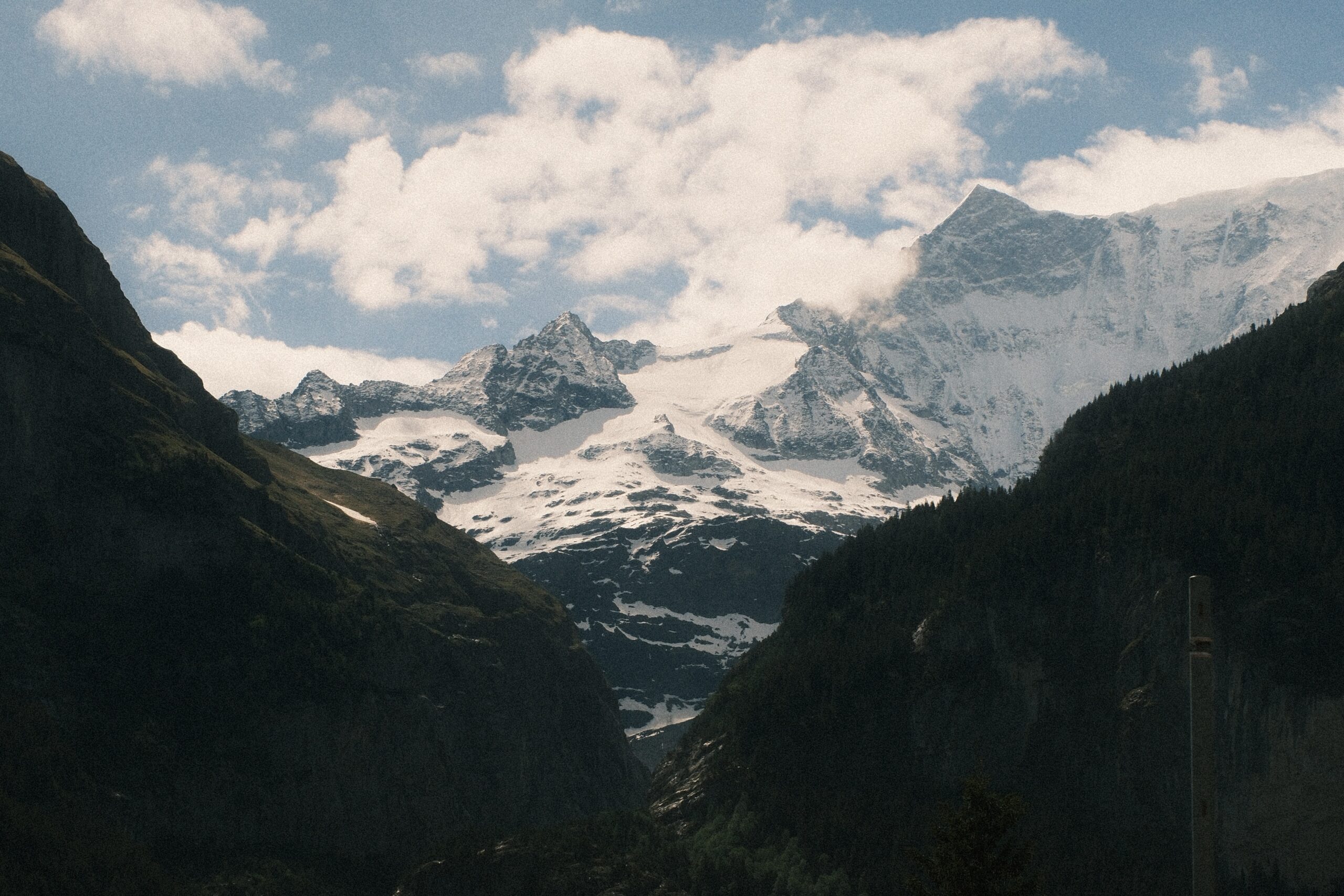
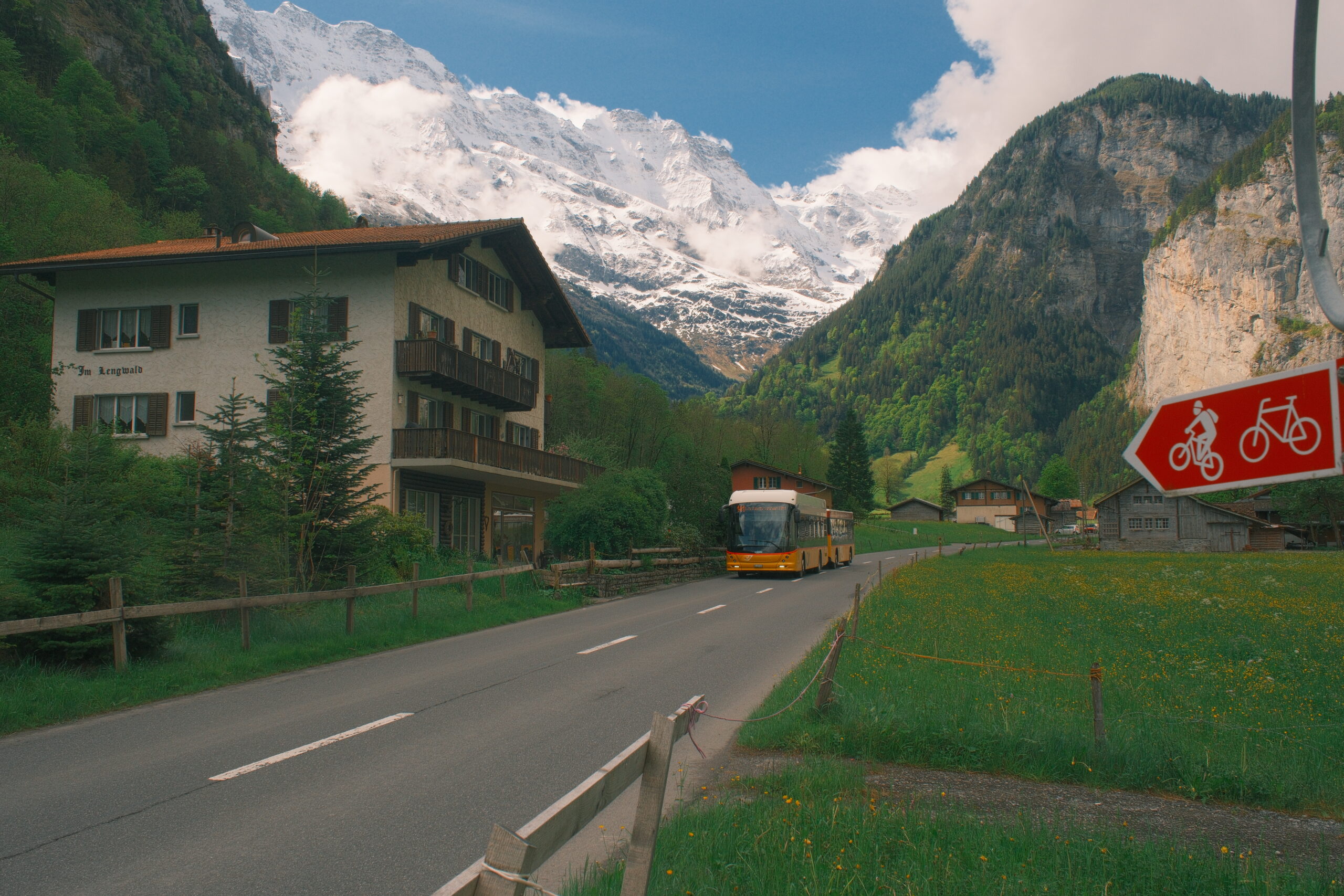
Mountain Reality
Mountain Reality uses:
- Classic Negative
- Color Chrome Effect
- Color Chrome FX Blue
- Auto White Balance with shift
- D Range Priority
- Colour and sharpness adjustments
It should translate most easily to recent X-Trans V cameras and later X-Trans IV models that include all these controls.
If your camera does not have Classic Negative or Color Chrome FX Blue, you cannot reproduce it exactly.


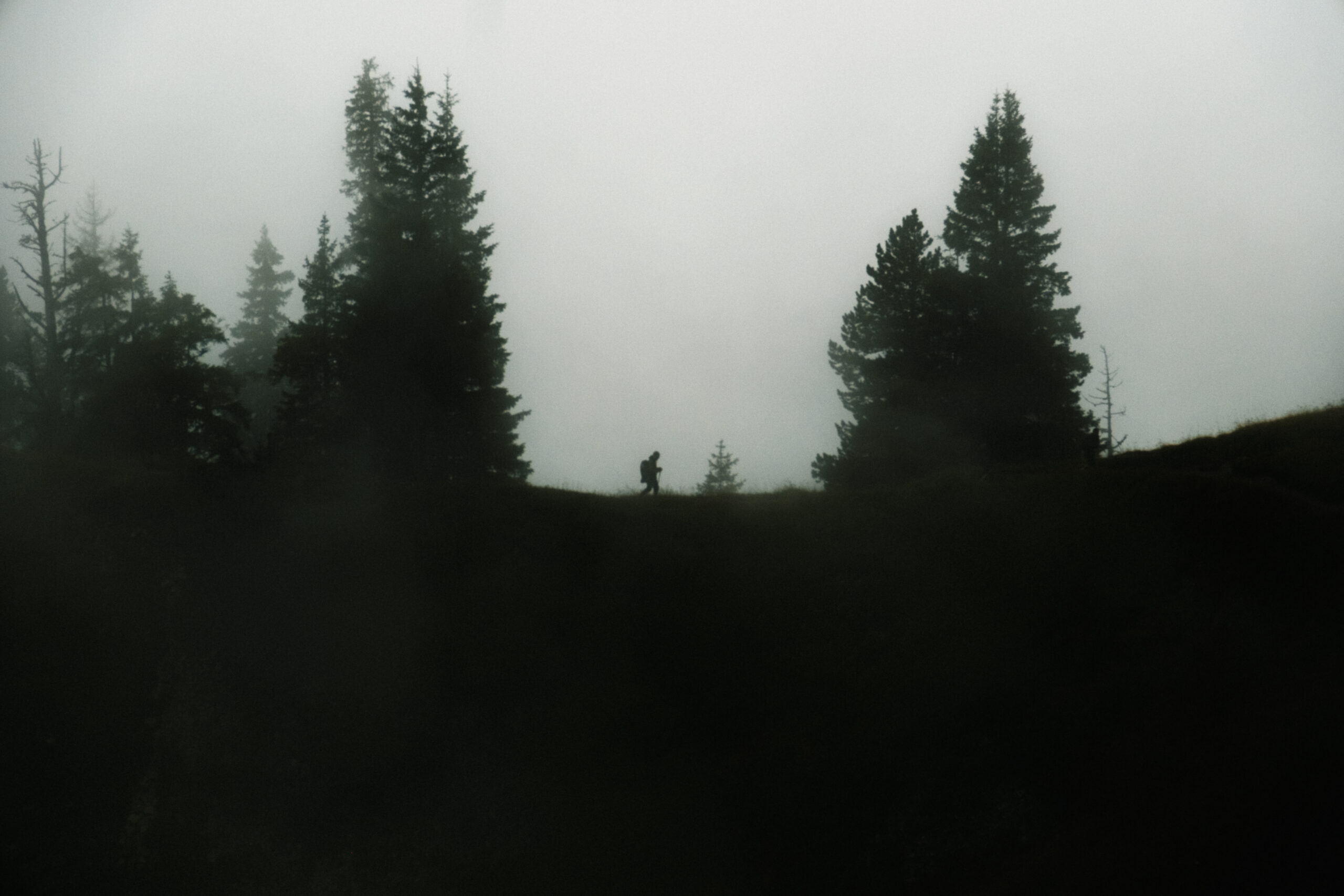
Cinematic Gold
Cinematic Gold uses:
- Classic Negative
- Grain strength and size
- Color Chrome FX Blue
- Daylight White Balance with shift
- DR400
- Colour
- Clarity
- High ISO Noise Reduction
Clarity and Grain Size are likely to create compatibility issues on older models. You can omit Clarity if it is unavailable, but the result will have a slightly cleaner and less softened appearance.
The fixed Daylight White Balance also means lighting conditions strongly affect the result. A technically compatible camera can still produce very different colours indoors or after sunset.


Cuban Negative
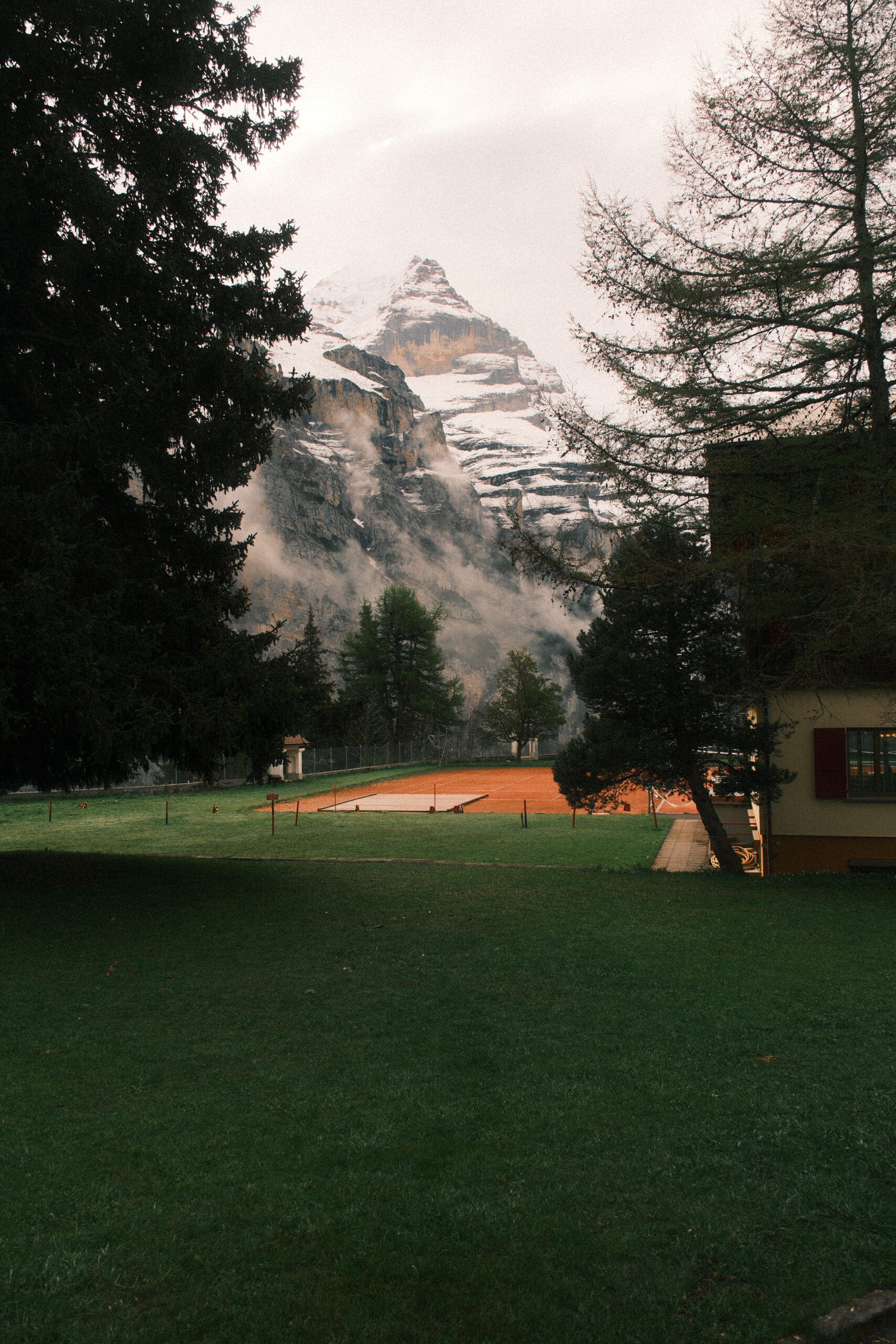
Cuban Negative uses:
- Classic Negative
- Color Chrome Effect
- Color Chrome FX Blue
- Auto White Balance with shift
- DR400
- Highlight and shadow adjustments
- Colour
- Sharpness
The base simulation and Color Chrome FX Blue are the most likely limitations on older cameras.
If both are available, you should be able to preserve the main warm, punchy and documentary-style character of the recipe.

Old Black & White
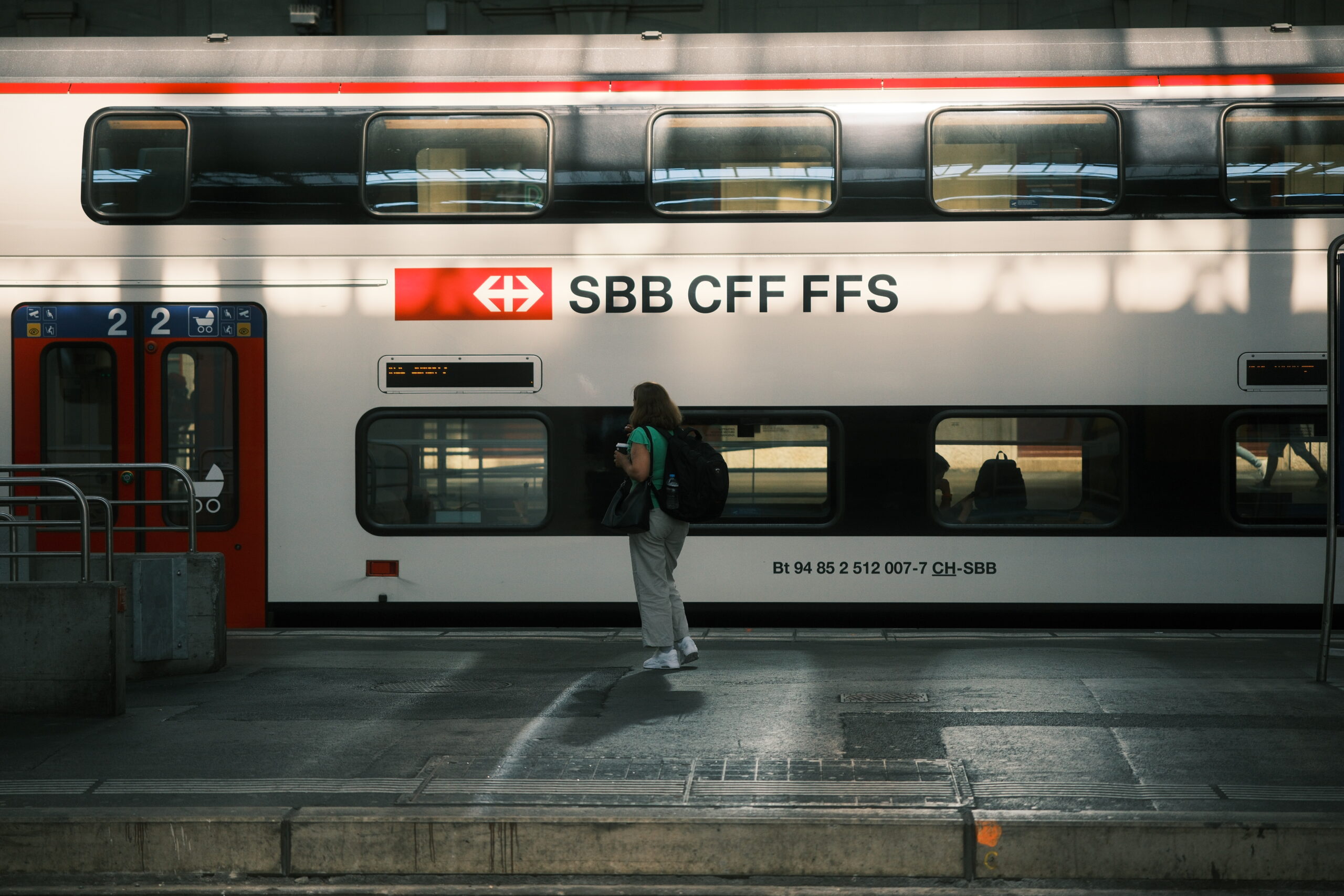
Old Black & White uses:
- ACROS
- Strong, Large Grain
- DR400
- Highlight and shadow adjustments
- Sharpness
- Clarity
This recipe does not depend on Classic Negative, which makes it a different compatibility case from my colour recipes.
However, older cameras may lack ACROS, Grain Size or Clarity. If ACROS is available but Clarity is not, you can still create a useful approximation. The result will simply be a little cleaner than the version shown in my examples.
Explore my recipes: Check my complete Fujifilm recipe collection for colour and black-and-white recipes tested in real travel and street-photography conditions.
What should you do when a setting is missing?
First determine whether the missing option is essential.
If the base film simulation is missing
Choose a different recipe.
The base simulation has a major influence on colour, contrast and tonality. Substituting Classic Chrome for Classic Negative will not preserve the same look.
You can still experiment, but you are creating a variation rather than reproducing the original recipe.
If Color Chrome Effect is missing
Enter the remaining settings and compare the result.
Color Chrome Effect adds tonal detail to strongly saturated colours. Without it, reds, yellows and greens may look slightly different, but the general recipe may remain usable.
If Color Chrome FX Blue is missing
The difference will be most visible in skies, water and other blue areas.
You can set the rest of the recipe normally, but mountain and travel photographs with large blue skies may not match the examples closely.
If Clarity is missing
Set the remaining values and leave Clarity unchanged.
Negative Clarity creates a softer look. Without it, the image may appear crisper or more digital, but the core colour rendering can still work.
You can soften the image later if necessary, although that removes some of the straight-out-of-camera simplicity.
If Grain Size is missing
Use the available Grain strength.
The texture will differ, but this is usually less important than losing the base film simulation or white-balance shift.
If you cannot save white-balance shifts separately
This is more inconvenient than visually impossible.
Some cameras do not store individual white-balance shifts in the same flexible way as newer models. You may need to change the shift manually when switching recipes or assign different white-balance types to different custom settings.
Write down the required values. White balance and its red/blue shift can have a large effect on the final look.
Why does the same recipe look different on two cameras?
Even complete setting compatibility does not guarantee identical images.
A recipe interacts with:
- Sensor generation
- Processor
- Lens rendering
- Exposure compensation
- Metering
- Auto White Balance
- Light direction
- Colour temperature
- ISO
- Firmware
- The subject itself
Auto White Balance is especially important. Two photographs taken under different light can receive different white-balance decisions even when the same shift is applied.
Exposure matters too. A recipe photographed at +⅔ EV can feel warmer, softer or more open than the same settings used on a darker exposure.
Before changing the recipe, test it in several situations. One photograph is not enough to decide whether it works on your camera.
Can you use an X-Trans IV recipe on an X-Trans V camera?
Usually, yes—provided the newer camera contains every setting used by the recipe.
Newer cameras tend to retain older simulations and controls, making forward compatibility easier than trying to run a modern recipe on an older body.
The output may still differ slightly because the sensor and processor have changed. Enter the original values first and only adjust them after testing.
Do not automatically “convert” a recipe merely because your camera belongs to a newer generation.
Can you use an X-Trans V recipe on an X-Trans IV camera?
Sometimes.
Check the base film simulation and every important adjustment. Later X-Trans IV bodies may support everything the recipe needs, while earlier models may lack one or more controls.
Use this order:
- Check the film simulation.
- Check Color Chrome Effect and Color Chrome FX Blue.
- Check Grain Size and Clarity.
- Check whether the white-balance shift can be stored conveniently.
- Enter the recipe and test it in comparable light.
If the film simulation is missing, find another recipe. If only Clarity or Grain Size is unavailable, an approximation may still be worthwhile.
Should you adjust a recipe for your camera?
Not immediately.
Start with the exact published values wherever possible. Use the recipe for several days and photograph it in sun, shade, clouds and indoor light.
Then make one adjustment at a time.
For example:
- Too warm: reduce the red shift or increase blue slightly.
- Too cool: move the shift towards red or away from blue.
- Shadows too heavy: lower the Shadow setting.
- Highlights too harsh: reduce the Highlight setting.
- Too saturated: reduce Colour.
- Too crisp: lower Sharpness or Clarity.
Save your variation under a different name. That allows you to compare it with the original instead of permanently losing your starting point.
My honest compatibility recommendation
If you use an X-E5, enter my current recipes exactly as published.
If you use an X-H2, X-T5, X100VI or X-T50, I would also start with the exact values. These cameras are technically close enough that altering the recipe beforehand is unnecessary.
On an X-H2S, X-S20, X-M5, X-T30 III or later X-Trans IV camera, the settings should generally carry across, but expect small differences in rendering.
On an X-T3, original X-T30 or an older model, check every setting carefully. My Classic Negative recipes may not be the right choice if the base simulation or newer JPEG controls are unavailable.
Most importantly, do not judge compatibility only by the words “X-Trans IV” or “X-Trans V.” Check what your specific camera can actually do.
A recipe does not have to look pixel-for-pixel identical to be useful. It should give you a consistent starting point that makes you want to take more photographs.
Frequently asked questions